
How to resolve page loading issues?
If you are experiencing issues loading a GetResponse application page, we’re here to help. You may encounter one of the following scenarios:
- Indefinite page loading – the page continues loading without displaying its content fully.
- Timeout errors – for example: “This site can’t be reached” or “app.getresponse.com took too long to respond”.

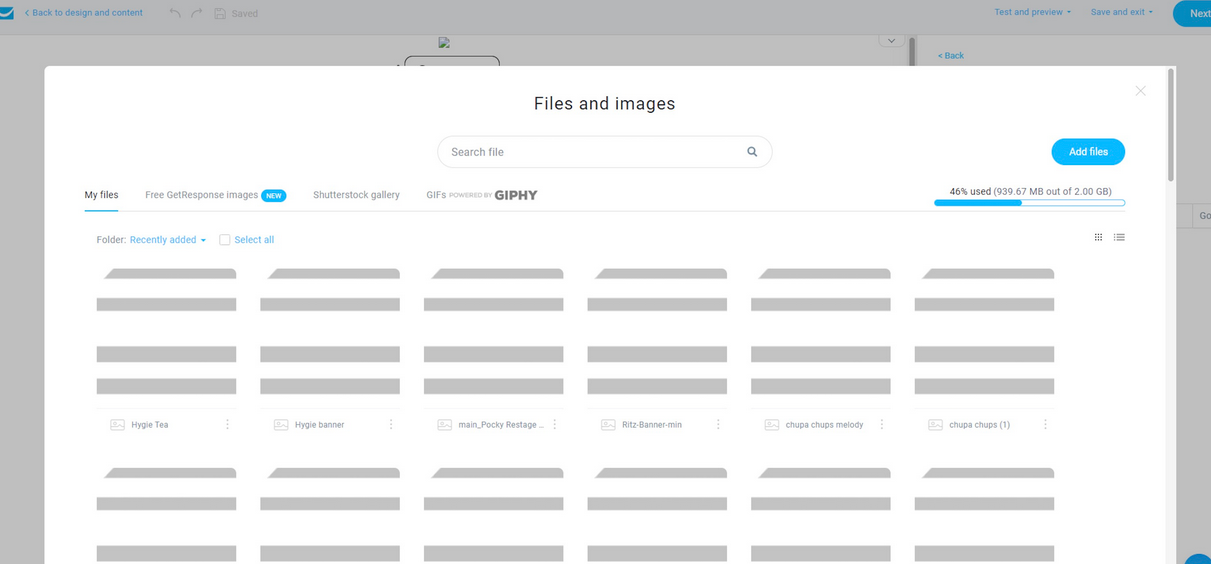
- Images not loading – images or other visual content do not appear or load only partially.
Troubleshooting steps
Identifying the type of issue you are experiencing helps our Customer Success and IT teams diagnose and resolve it more quickly. The information collected during these steps is crucial for identifying the cause of the problem and helping us investigate it effectively.
Here are four troubleshooting steps:
- Check your browser version to make sure you are using a supported browser. You can find the current list of supported browsers here.
- Go to https://gcore.com/.well-known/cdn-debug and take a screenshot of the page. It contains network information that may help us identify the source of the issue.
- Run a traceroute and ping test to the relevant server. We have prepared detailed instructions on how to run these tests. The server you should trace and ping depends on the issue you are experiencing:
- Scenario A (Indefinite page loading):
us-as.gr-cdn.com - Scenario B (Timeout errors):
app.getresponse.com - Scenario C (Images not loading):
us-wbe.gr-cdn.com
- Scenario A (Indefinite page loading):
- Generate a HAR file while reproducing the issue on the affected page. A HAR file records information about the page’s network activity and can help our IT team identify failed or delayed requests. You can find detailed instructions on how to generate a HAR file here.
After completing these steps, please contact our Customer Success Team and include the collected information and files in your report. This will help us investigate the issue more efficiently and provide you with the appropriate solution.
