
How to create a Price Drop ecommerce campaign? Video
Price Drop Ecommerce Campaign automatically notifies shoppers when a product they viewed becomes cheaper, helping ecommerce brands convert high-intent browsers before they ever reach the cart.
Price drop campaigns are a proven and effective strategy for ecommerce businesses that want to increase online sales and maximize ROI. They automatically notify customers when the price of a product they’re interested in goes down, encouraging them to return and complete the purchase.
Key benefits of price drop campaigns are:
- Boost engagement and conversions by reactivating interested shoppers
- Retain customer interest and reduce cart abandonment
- Enhance customer loyalty and overall shopping experience
- Enable strategic and automated execution with minimal manual effort
Before you begin
Make sure to integrate GetResponse with your store. Ecommerce campaigns support Shopify, Prestashop, WooCommerce, Magento, Shoper, and IdoSell.
If you are already using any of our ecommerce plugins, make sure it is updated to the latest version.
Creating a new campaign
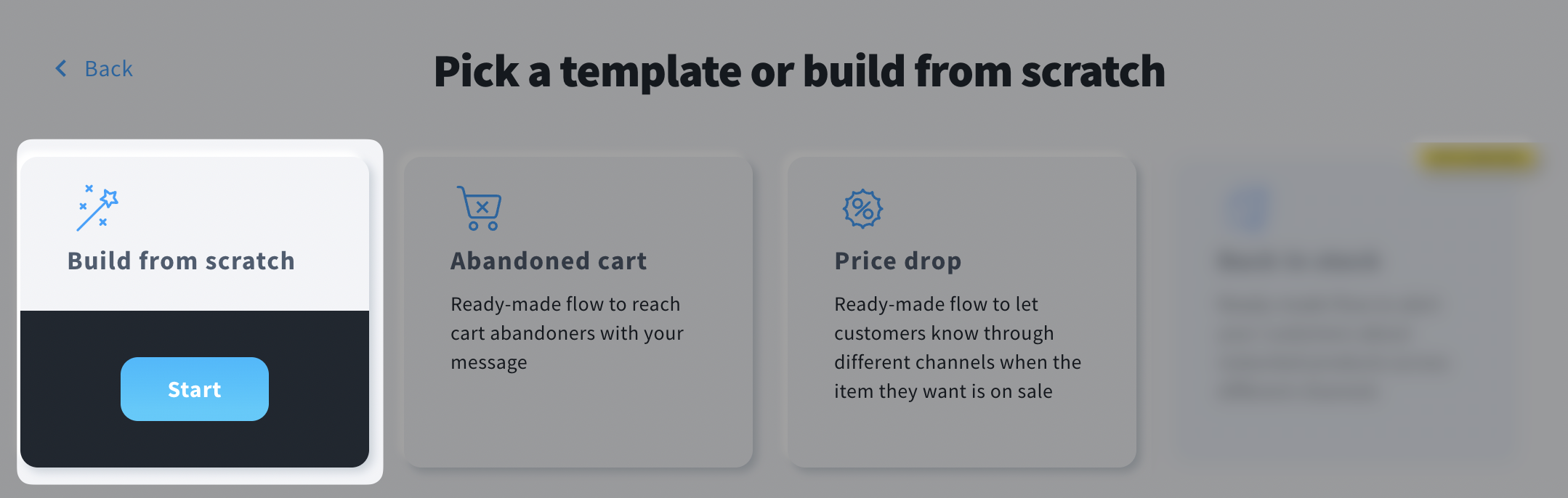
To create a Price Drop ecommerce campaign, go to Tools >> Campaigns >> Ecommerce campaigns and click Create campaign. You can build one from scratch or hover over the Price drop tile and click Start to use a ready-made template.
To build a Price Drop ecommerce campaign from scratch:
- Hover over Build from scratch tile and click Start.
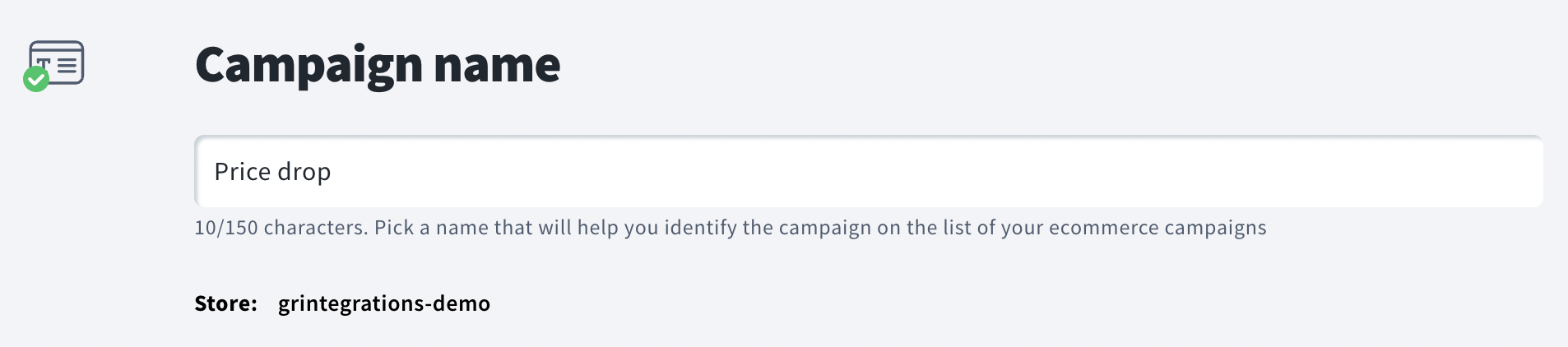
- In General settings section, enter a name that will only be visible to you.
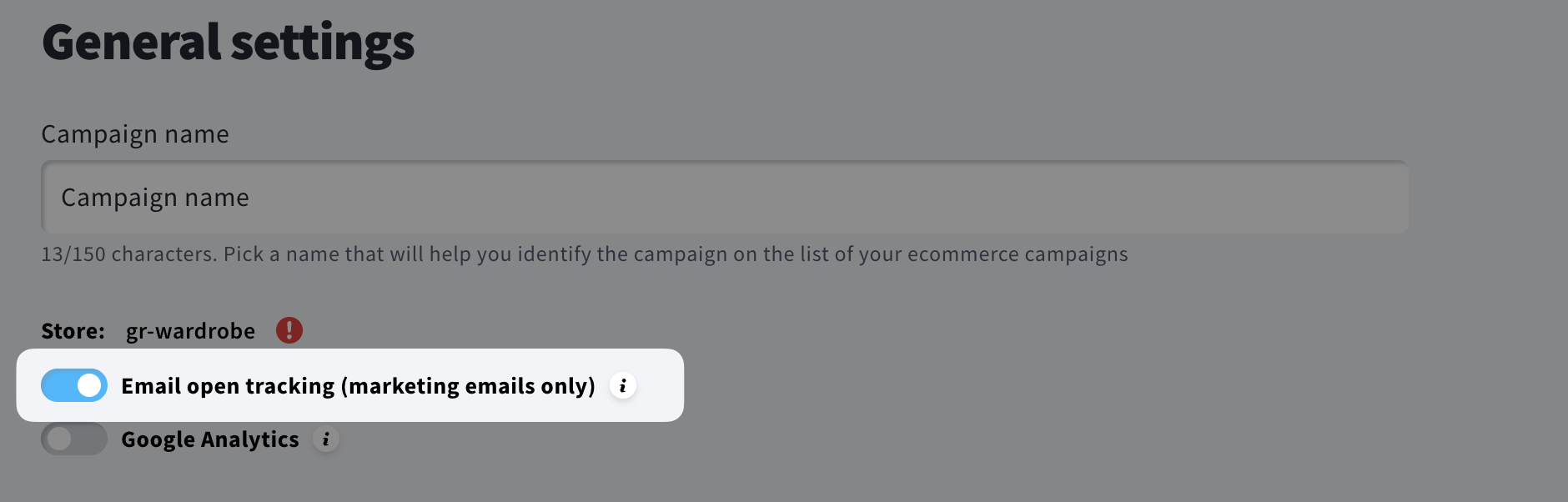
- (Optional) Disable Email open tracking (marketing emails only). Learn when disabling open tracking may be necessary.
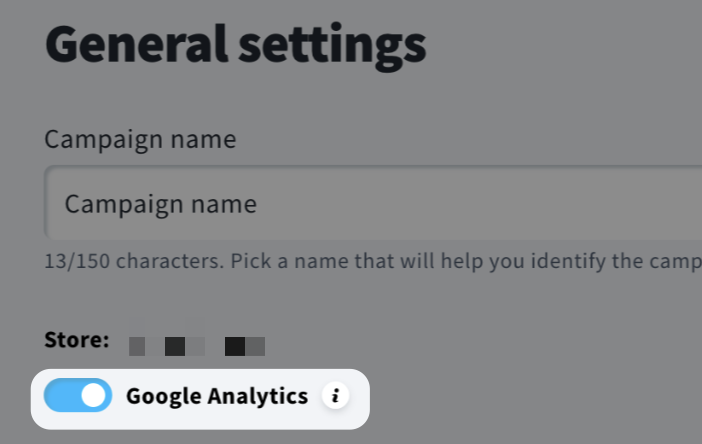
- (Optional) Turn on the Google Analytics toggle to send UTMs according to the Google Analytics integration settings in your GetResponse account.
- In Content section, select campaign trigger: Price drop.
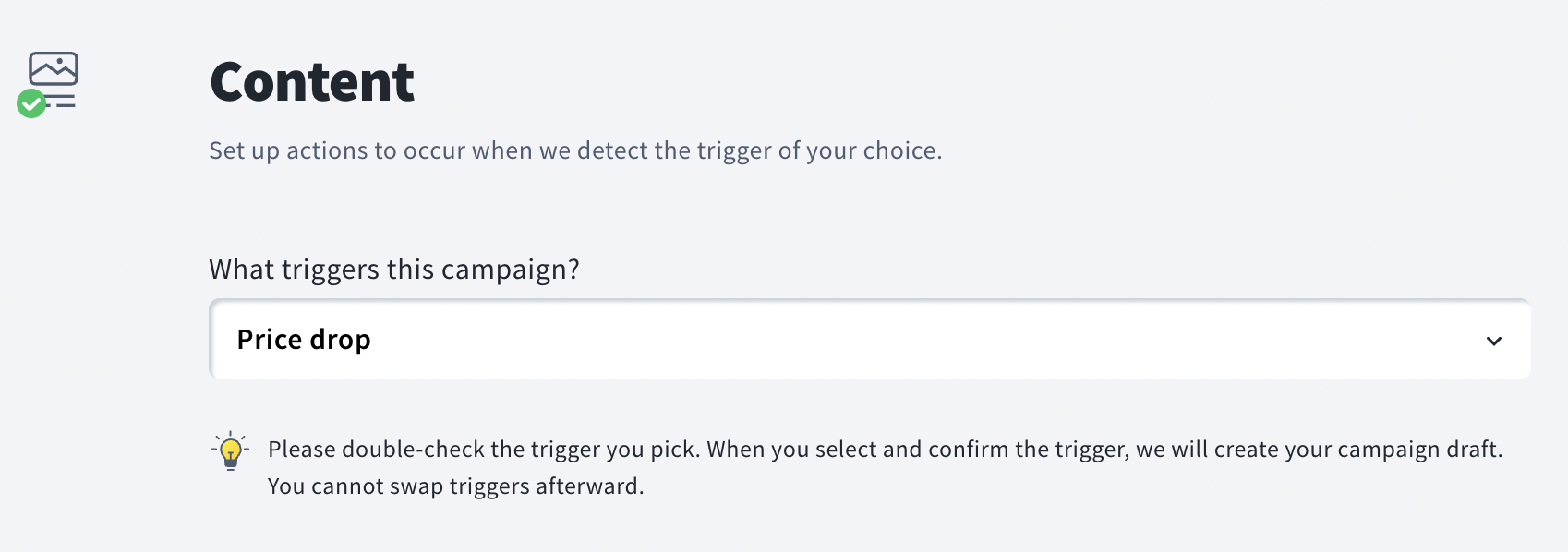
- Click Confirm.
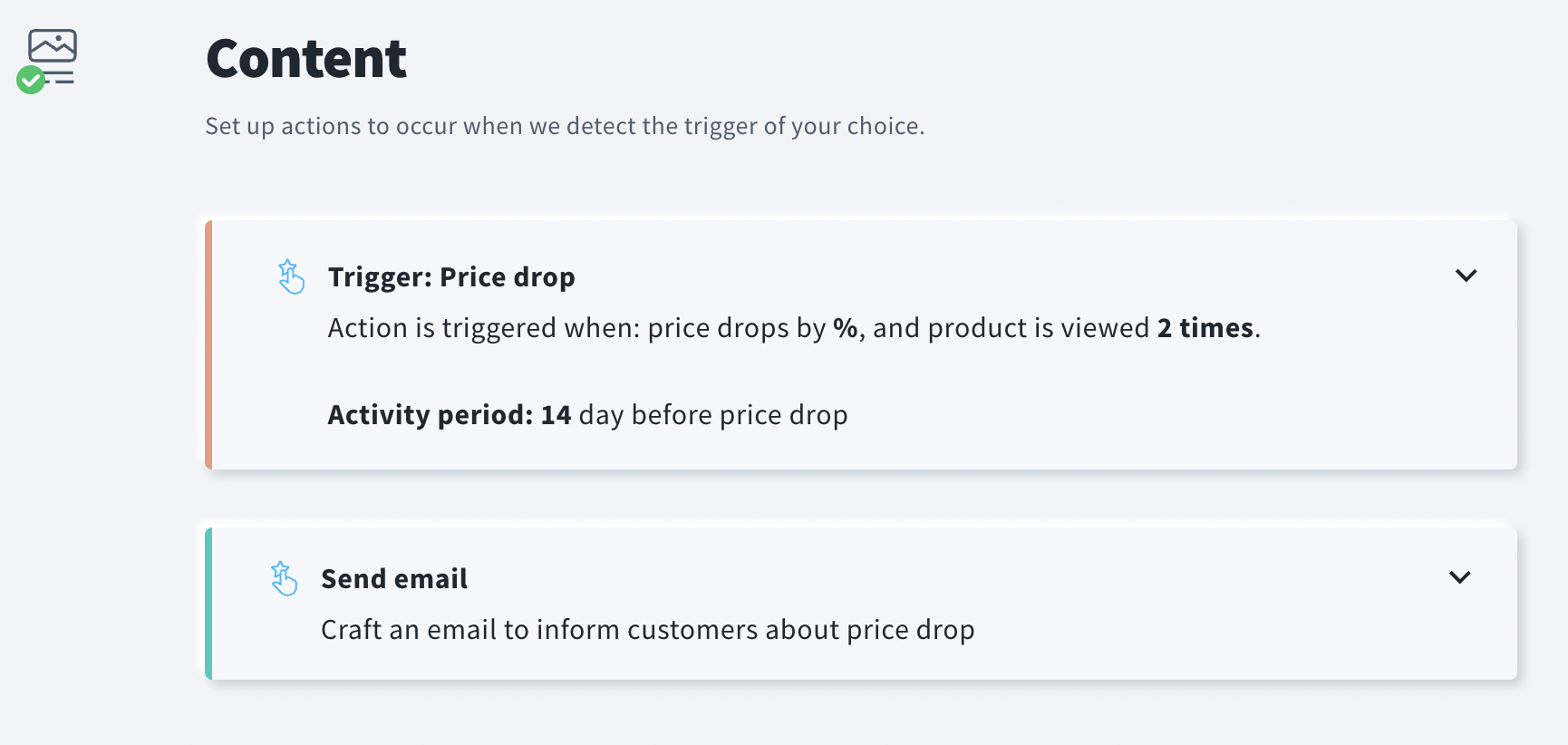
- Content section now contains a Price drop trigger and a Send email action. Click on the Price drop tile to expand the trigger settings.
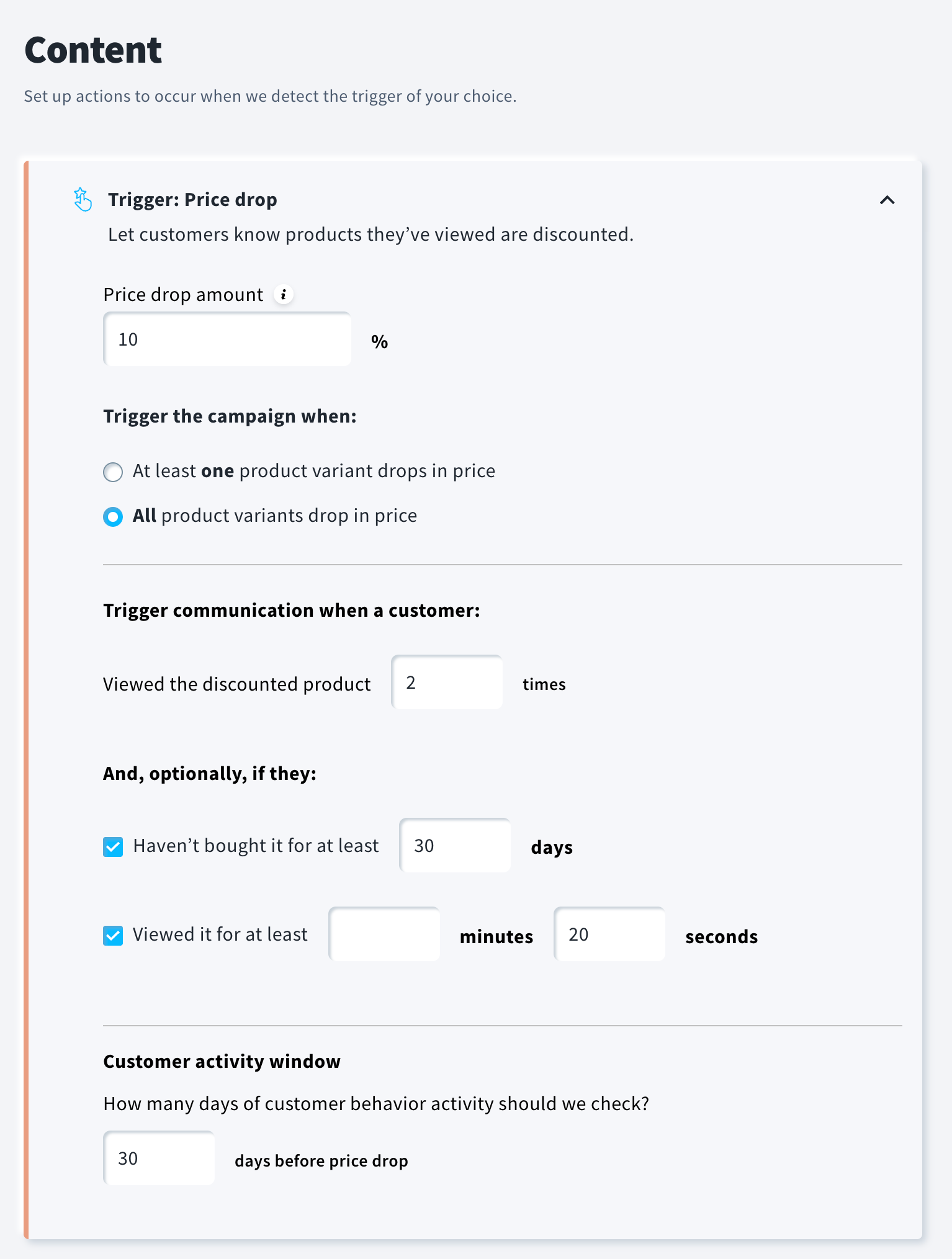
- Enter the Price drop amount – we’ll track any product whose price decreases by the specified amount or more. For example, if you enter 10%, products discounted by 10% or 11% (and higher) will be included.
- Decide whether to trigger the campaign when all product variants drop in price (e.g., all color variants of a given t-shirt), or when at least one variant drops in price.
Note: In the second scenario, it is not possible to determine whether the variant with the reduced price is the exact one previously viewed by the user. However, user behavior suggests that this distinction is often not critical – customers tend to proceed with the variant that is currently discounted, regardless of their original preference. - Decide after how many product views you want to trigger the price drop communication.
- (Optional) You can further refine the audience by sending the message only to customers who haven’t bought the product for at least X days and/or have viewed it for at least X minutes and X seconds.
If you enable both optional conditions, all three conditions must be met before the price drop message is sent to the buyer. - In Customer activity window, enter the number of days of customer behavior activity that should be checked.
- Click on the Send email tile to expand its settings.
- Hover over the email miniature and click Create new.
Note: Price drop messages are sent only to email subscribers (those who have given marketing consent).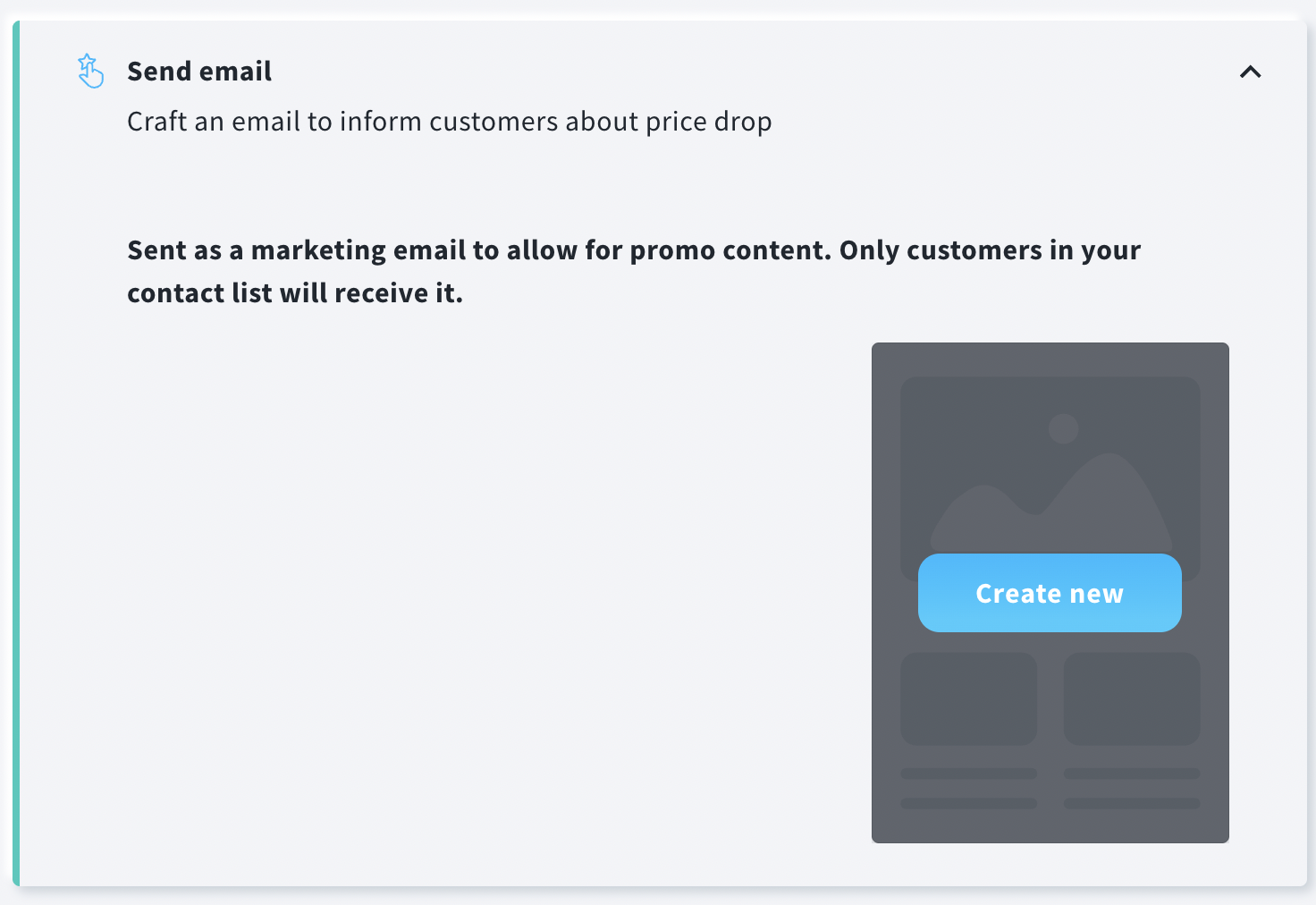
- You can create a message from scratch or use Predesigned or Created Templates. Click Save and use when ready.
- Publish your campaign.
Note: If a visitor has viewed multiple products and all of them go on sale at the same time, the message will include information about a maximum of five products to avoid creating overly long content.
Important: Ecommerce campaigns (including price drop messages) require valid marketing consent, which can be acquired during the import or synchronization of contacts from your store using one of our plugins.
Marketing consent can also be managed by subscribers via the Contact Preference Center (CPC).
Contacts without this consent will not receive ecommerce messages – even if they are active subscribers on your list.
If you notice that price drop emails are not being sent, verify how consent is collected and stored. Using custom fields to manage consent, or copying/moving contacts between lists manually, via automation, or through the API, does not replace the native consent field supported by integrations and may prevent message delivery.
Consent should be collected through supported methods (e.g., during checkout, registration, or account settings) and synchronized via integration. Keep in mind that ecommerce data and messaging are tied to a single list – copying or moving contacts outside of this list will stop campaign delivery.
Where to manage the campaign and check reports
Campaign management (including editing) is done under the Tools >> Campaigns >> Ecommerce campaigns tab. Here, you can also see basic statistics such as Conversion and Attributed Revenue.
Click here for more information on how to manage and edit your campaign.
Detailed statistics on price drop campaigns, as well as the revenue generated from these campaigns, are available in the Reports >> Ecommerce section. This allows businesses to monitor and optimize their campaign performance effectively.
Click here for more information on how to read our ecommerce reports.


