
How to track revenue generated by messages sent within my automation workflow?
Tracking the revenue generated by messages sent within your automation workflow is essential to understand what truly drives conversions and optimize your marketing performance. You can now track the revenue directly for all messages created and sent in GetResponse, including automation messages, giving you clear, actionable insights.
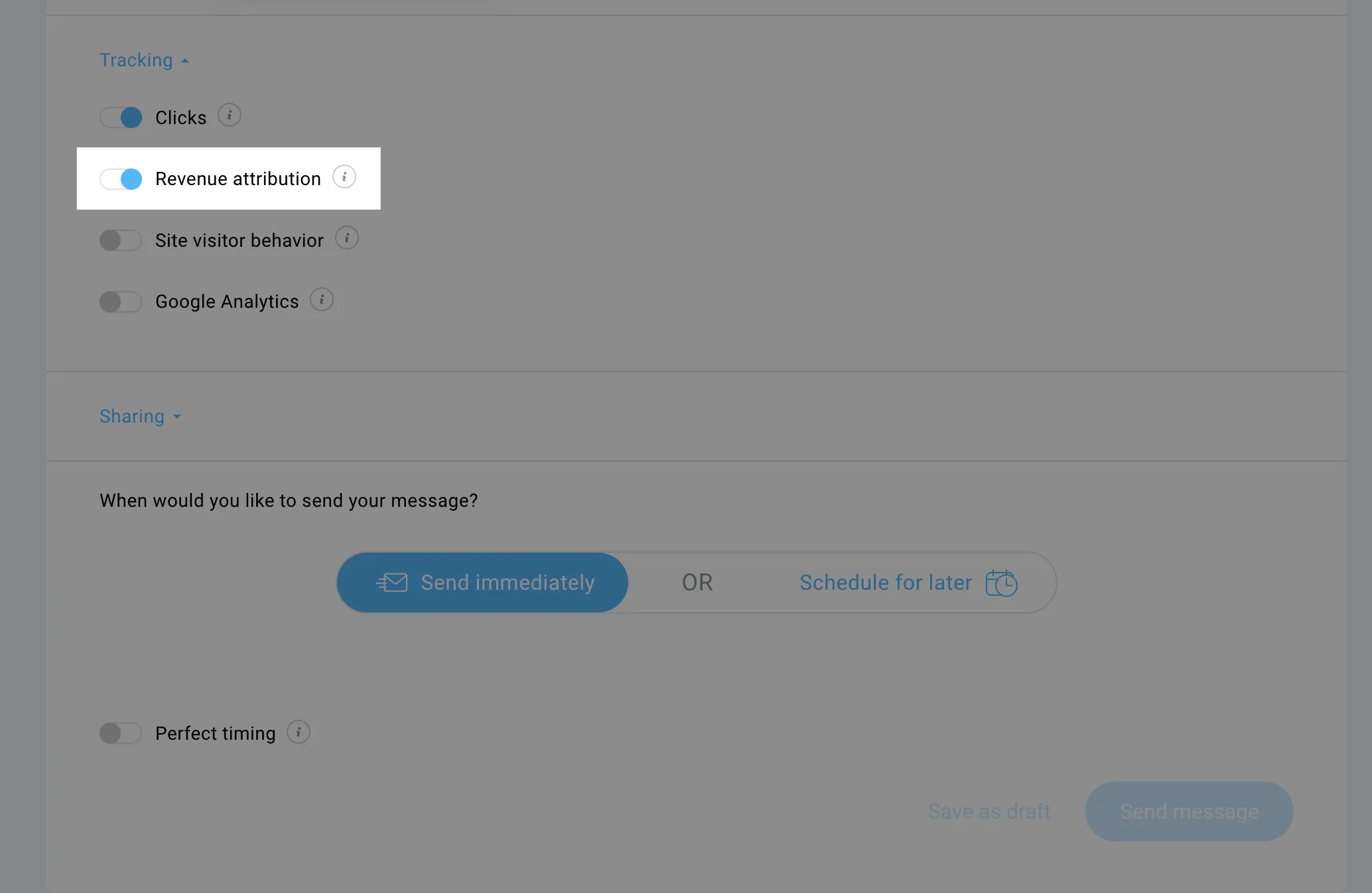
To enable revenue tracking, go to the message settings, scroll to the Tracking section, and turn on the toggle next to Revenue attribution.
Click here to learn more about revenue attribution.
How to track revenue generated by automation workflows
To track revenue generated by your automation workflow(s):
- Go to Tools > Automation.
- You will find the revenue in the Attributed revenue column.
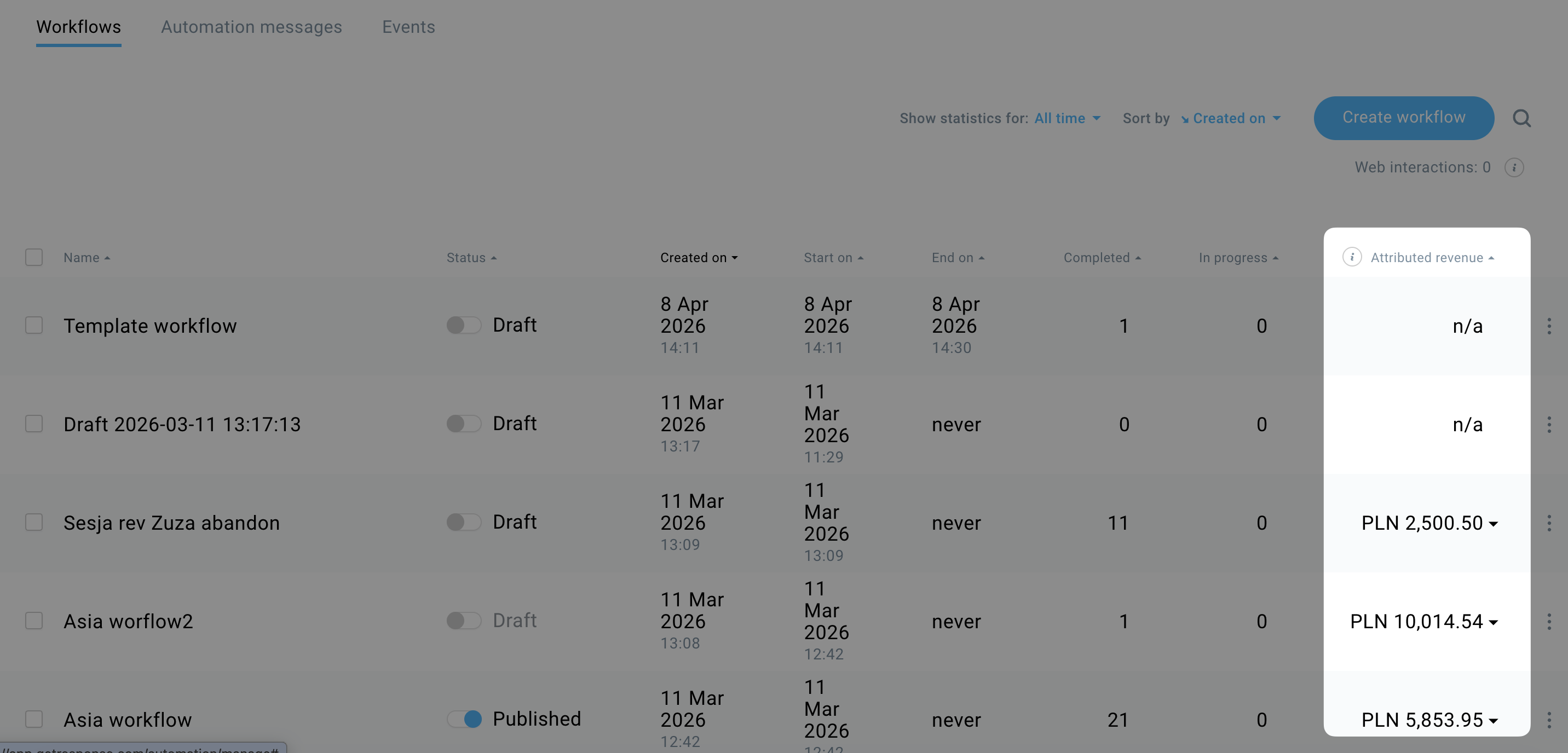
The displayed amount will be the total revenue generated by all messages used in the workflow that have revenue tracking enabled.


