
How to integrate my Creator’s profile with Google Analytics?
You can track and collect metrics from your Creator’s profile just as you would for your e-commerce store. If you already have a Google Analytics account, simply add the tracking code to Creator’s profile.
Before you begin:
- Make sure you have an active Google Analytics account.
- Make sure you have a Google tag ID (aka: Google Analytics ID). Learn more how to get a Google tag ID here.
Note: When configuring Google Analytics, you may see messages from Google indicating that a cookie consent banner is required. You can safely ignore these messages during the setup process and enable the cookie consent banner directly in your Creator’s profile settings in GetResponse.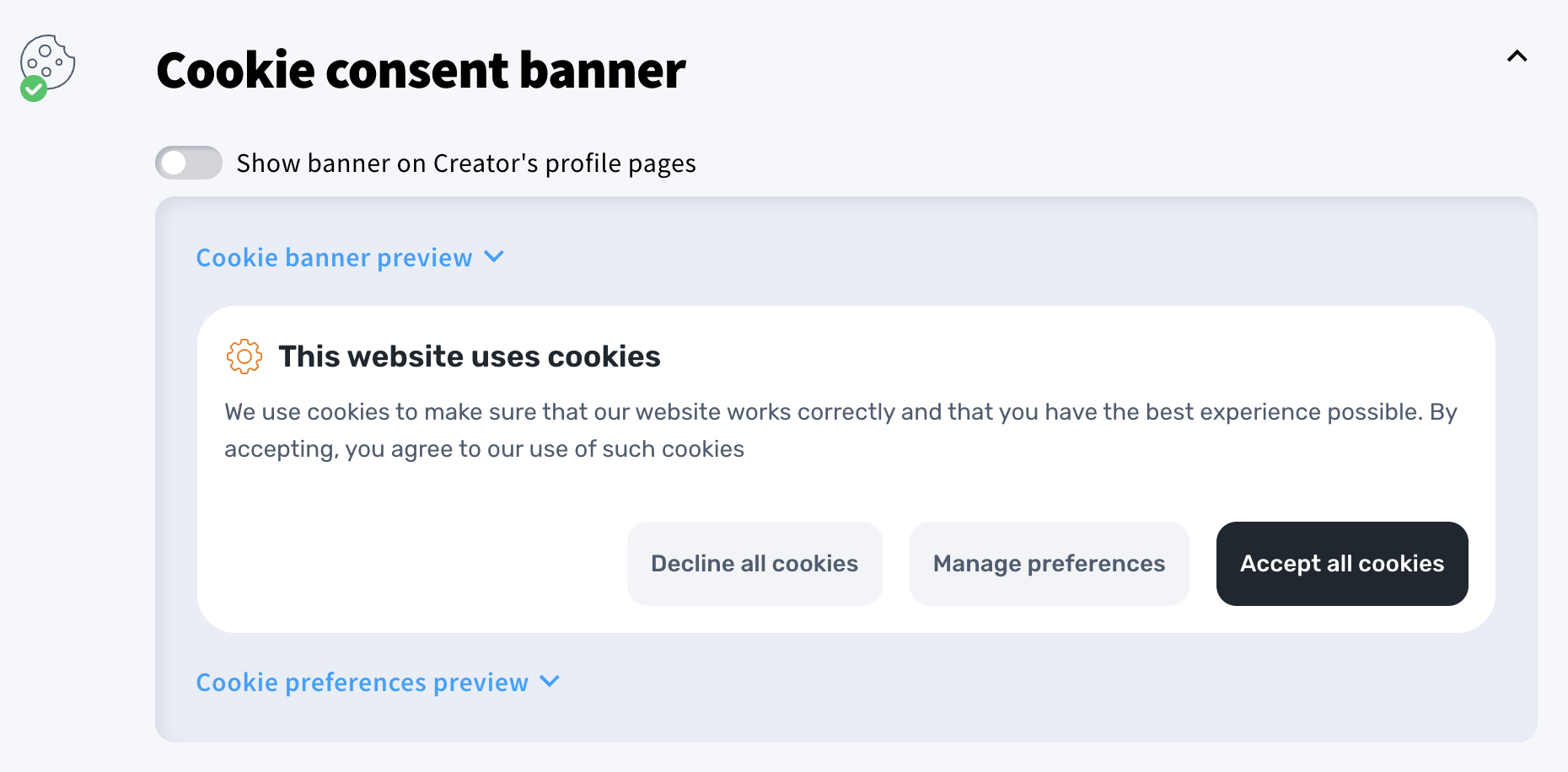
How to integrate Google Analytics with the Creator’s profile
- Go to Tools > Creator’s profile.
- Scroll down to the Analytics integrations section and enable Analytics and remarketing.
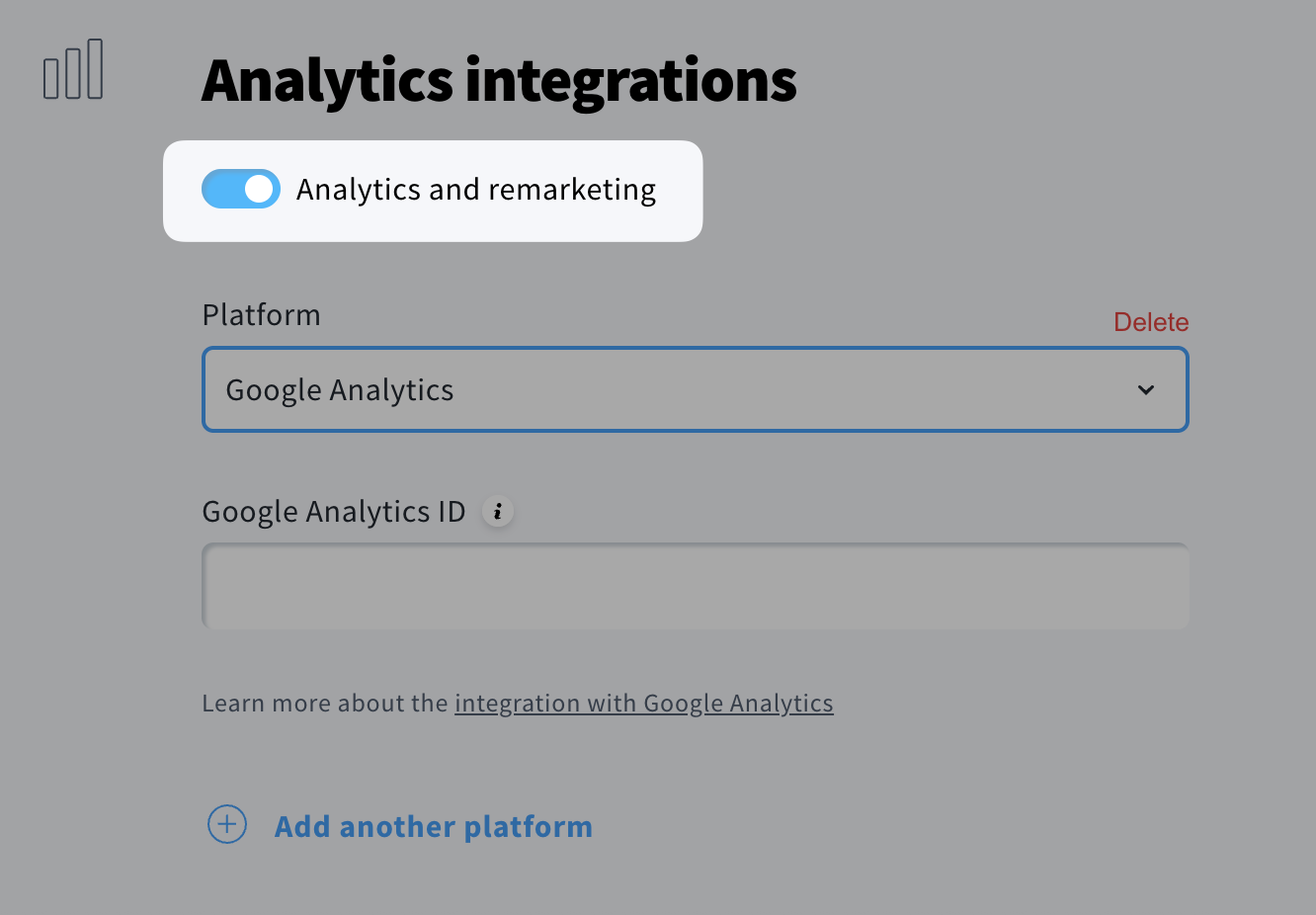
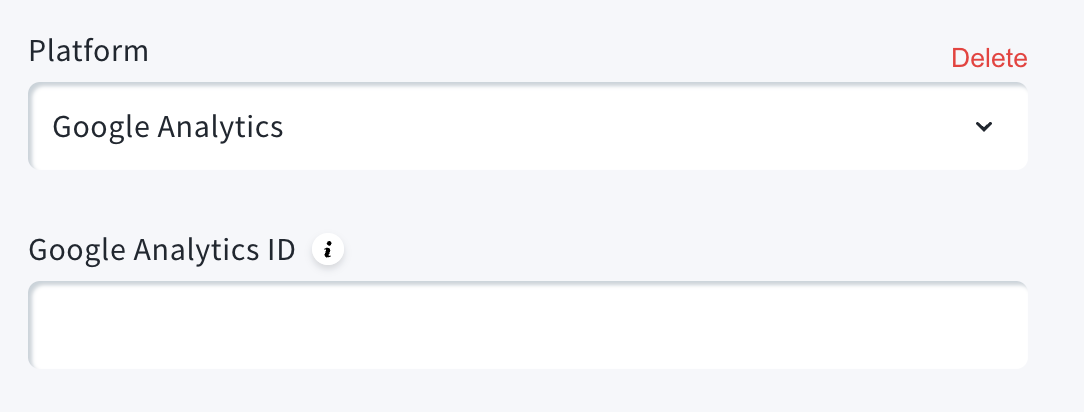
- Select Google Analytics from the dropdown list and paste your Google Analytics ID.
- Scroll to the bottom of the page and click Save.
