
How to add the Email open tracking consent field to a form?
Open tracking helps you measure how people engage with your emails. Guidance in France and Italy may require consent before you track opens for individual recipients. The Email open tracking consent field lets visitors make that choice when they sign up. Learn more about how open tracking works and the tracking pixel guidance in France and Italy.
You can add the field to signup forms in forms and popups, landing pages, and website builder. First, you need to turn on open tracking consent in your account settings. The checkbox is then available in the editors, but it is not added to your forms automatically.
Before you begin:
Go to Profile > Manage account > Open tracking consent and turn on Track opens only with consent. You’ll also need to choose how GetResponse handles contacts whose open tracking consent status is Unknown – that is, contacts who have not yet answered.
How to add the Email open tracking consent checkbox
- Go to Tools > Forms and popups / Landing pages / Website builder and enter the editor.
- Click the signup form in the editor.
- Open Fields in the panel on the right.
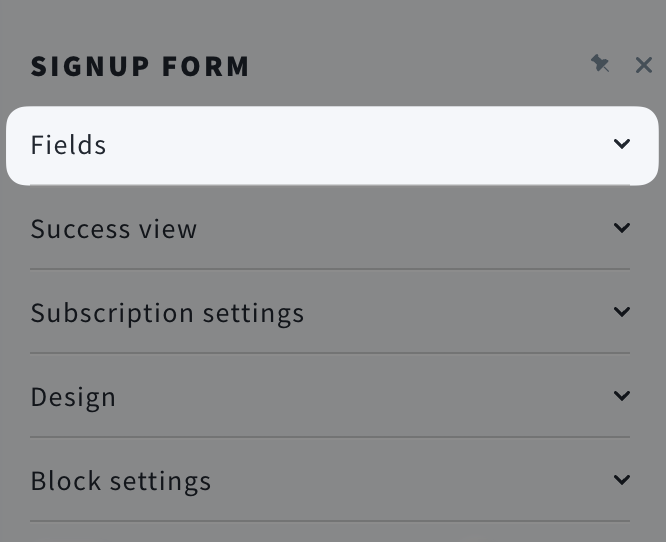
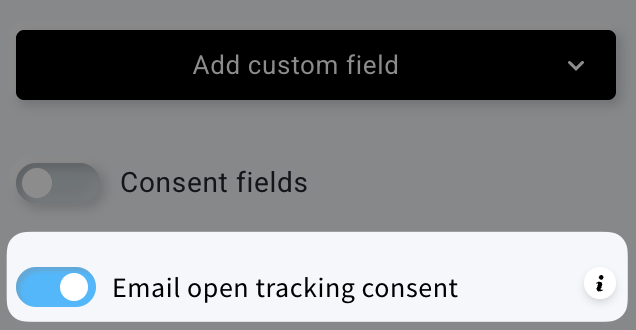
- Turn on Email open tracking consent. GetResponse will then add an open tracking consent checkbox to the form.
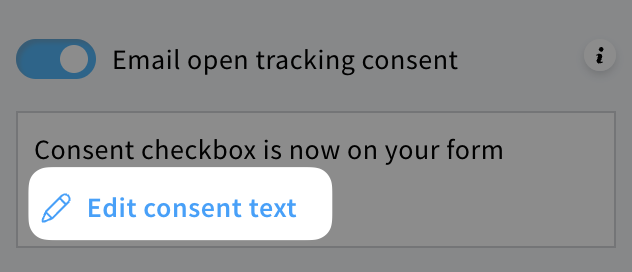
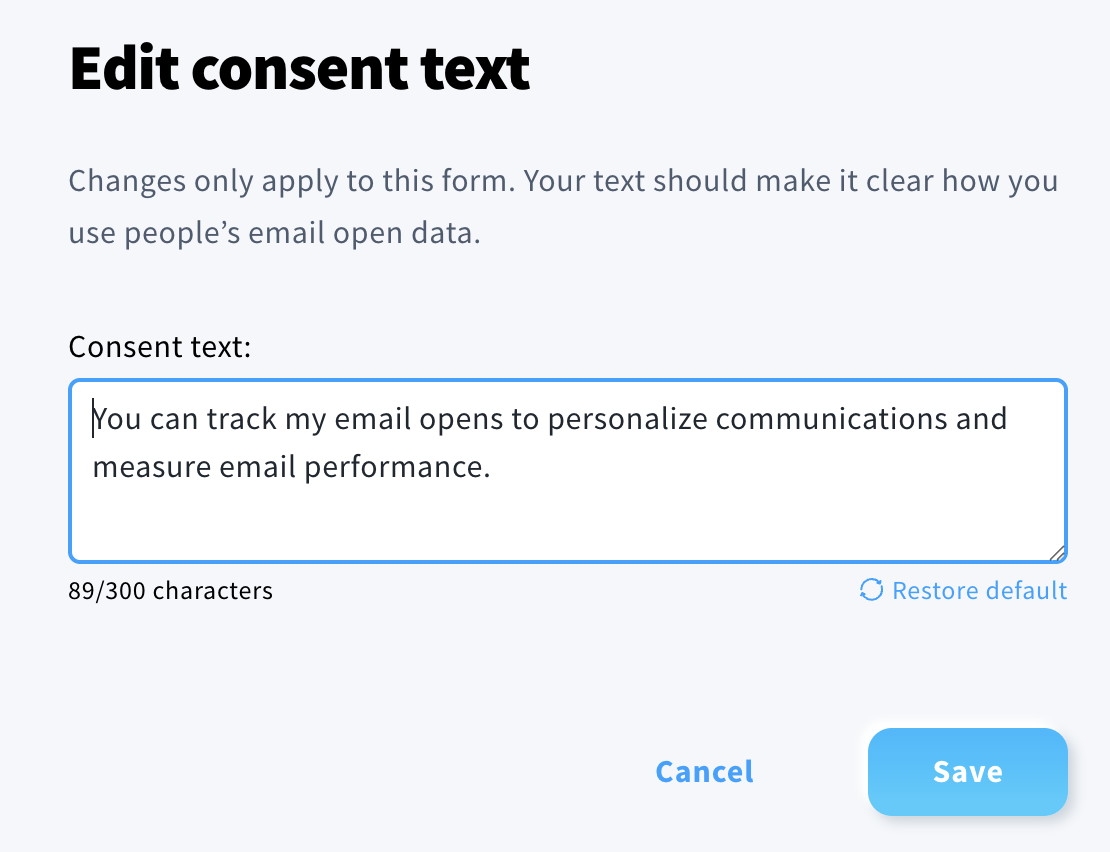
- Review the suggested wording. To change it, click Edit consent text and enter your own text.
- Save or publish your changes in the editor.
Repeat these steps for each form where you want to ask for open tracking consent.
What happens when a subscriber checks the box
A visitor who checks the box agrees to individual tracking of their email opens. Their answer applies across all your lists.
If a visitor leaves the box unchecked, they have not given consent through the form.
Your subscribers can later give or change their answer on the Consent and permissions page reached through the unsubscribe link in your emails. You can also update a contact’s status manually in their contact record.


