
How does consent affect open tracking and statistics?
Open tracking helps you see how your emails perform. When you collect consent for individual open tracking, your contacts’ answers determine how much detail you can see: an open may be linked to a contact, counted only in overall statistics, or not recorded at all.
This article explains what happens when a contact says Yes or No, how your choice for contacts with an Unknown status affects reports, and what changes when you turn consent-based tracking off. If you’re new to the metric, start with How to set up open tracking consent?
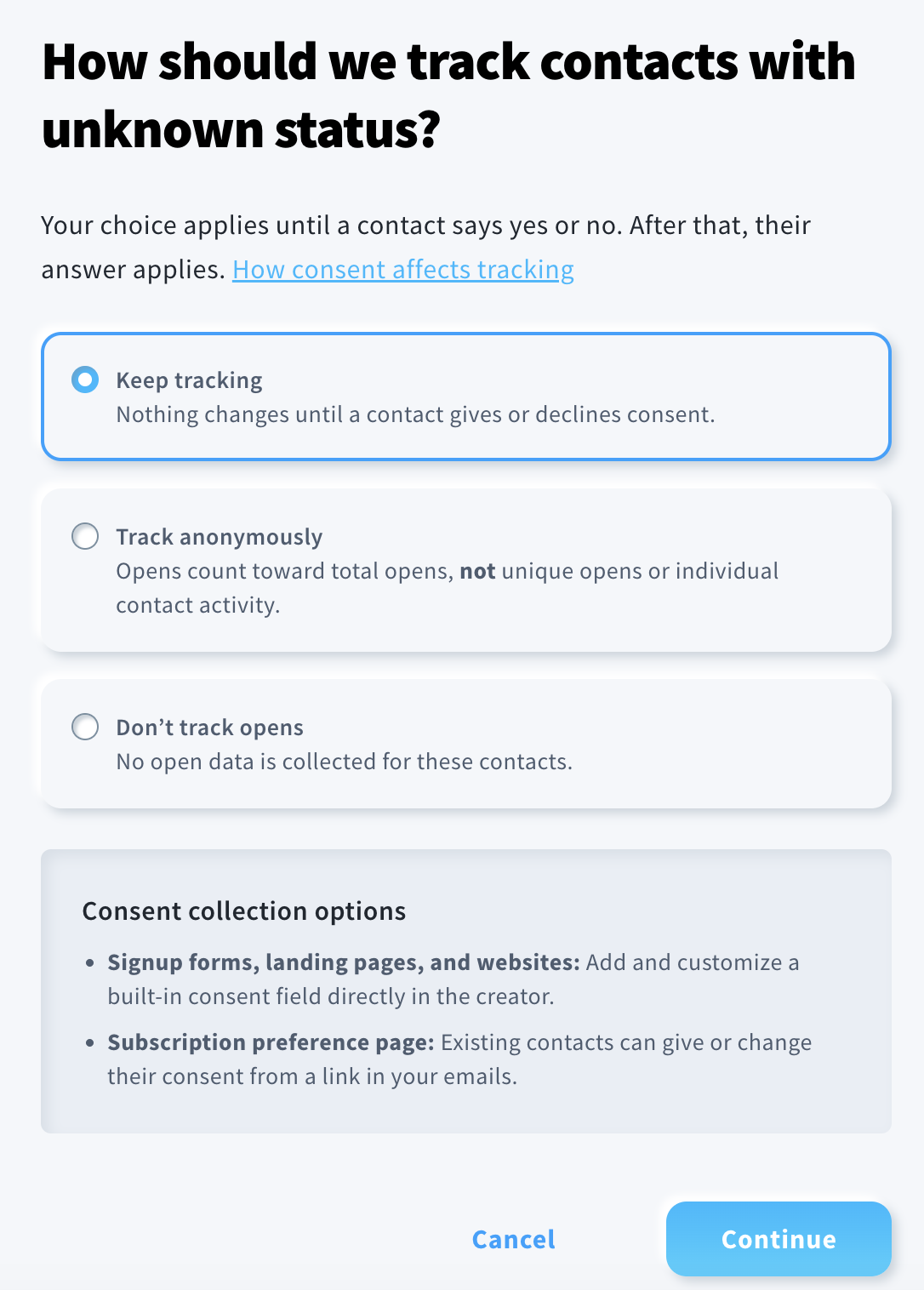
When Track opens only with consent is on under Profile > Manage account > Open tracking consent, a contact’s answer controls whether GetResponse can attribute email opens to that person. For contacts who have not answered, your account’s Unknown setting controls what happens instead.
How is anonymous tracking different from individual tracking
Individual tracking connects an open to a contact. You can use that information in places that rely on a person’s open activity, such as their activity history or searches for contacts who opened a message.
Anonymous tracking counts opens in overall message statistics without identifying which contacts opened the message. Those opens do not appear as individual open activity in a contact’s history and cannot identify contacts for open-based searches or segments.
What happens for each consent status
| Contact’s status | What happens to their opens |
|---|---|
| Yes | Opens are tracked individually. |
| No | Opens are not tracked for that contact. |
| Unknown – Track anonymously | Opens contribute to overall statistics only. They are not attributed to the contact. |
| Unknown – Don’t track opens | No open data is collected for that contact. |
| Unknown – Keep tracking | Opens continue to be tracked individually until the contact answers Yes or No. |
Your Unknown choice stops applying to a contact when their status changes to Yes or No. The contact’s answer then determines how subsequent opens are handled. If you change the account’s Unknown option, the new option determines how opens from contacts who still have that status are handled going forward.
These choices affect open data. The article on the France and Italy guidelines explains that click tracking works differently and is outside the scope of those guidelines.
If you switch Track opens only with consent from On to Off:
- Segments you created remain in your account.
- Previously recorded open tracking consent information remains in contact records, but it is ignored while this setting is off.
- Open tracking consent checkboxes that you added to forms are removed from those forms.
With the account setting off, open tracking follows your message settings without using the stored consent status.
Note: Switching the account setting off is different from switching off Opens for a particular message: the latter stops collecting open data for that particular message. See What is open rate tracking?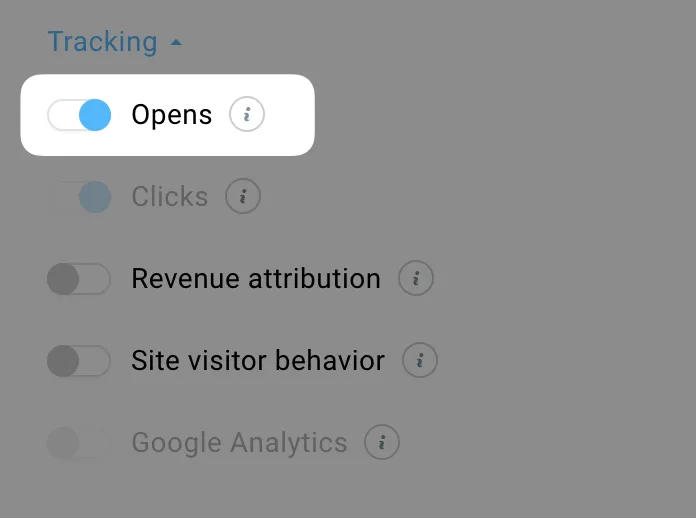
How anonymous tracking affects statistics
If you select Track anonymously for contacts with an Unknown consent status, their opens count toward Total opens. They do not count toward Opened (unique opens) or the unique open rate, because GetResponse cannot identify which contact opened the message. This works the same way for newsletters, autoresponders, and automation messages.
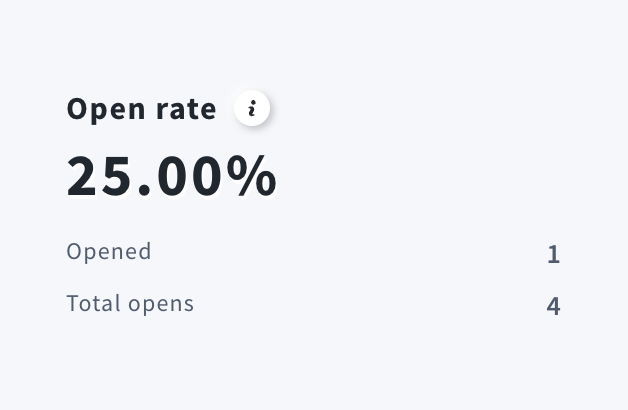
For example, you send a message to four contacts: one has agreed to open tracking, one has declined, and two have an unknown status. The contact who agreed opens the message twice, and each contact with an unknown status opens it once. The report shows:
- Total opens: 4 — two opens from the contact who agreed and two anonymous opens.
- Opened: 1 — only the contact who agreed counts as a unique opener.
- Open rate: 25% — one unique opener out of four recipients.
The contact who declined receives no open tracking pixel, so their opens are not recorded.
Why can CTOR exceed 100%?
Click-to-open rate (CTOR) compares unique clicks with unique opens. A link click can still be attributed to a contact whose opens are tracked anonymously. The link retains the contact identifier, while the open does not. That contact may therefore count as a unique clicker without counting as a unique opener. If the report contains more unique clickers than unique openers, CTOR can exceed 100%.
What happens when a contact declines open tracking consent
When a contact declines, GetResponse stops tracking their opens going forward. Their previously recorded open activity is also removed from their contact-level history. As a result, the contact will no longer appear in segments based on email opens, even if they opened those messages before declining consent.


